
Pocket WiFi in Japan: Rental, Pickup, Return & Travel Tips
A practical guide to renting Pocket WiFi in Japan, including who it suits, how pickup and return work, what to check before booking, and when an eSIM may be the better choice.
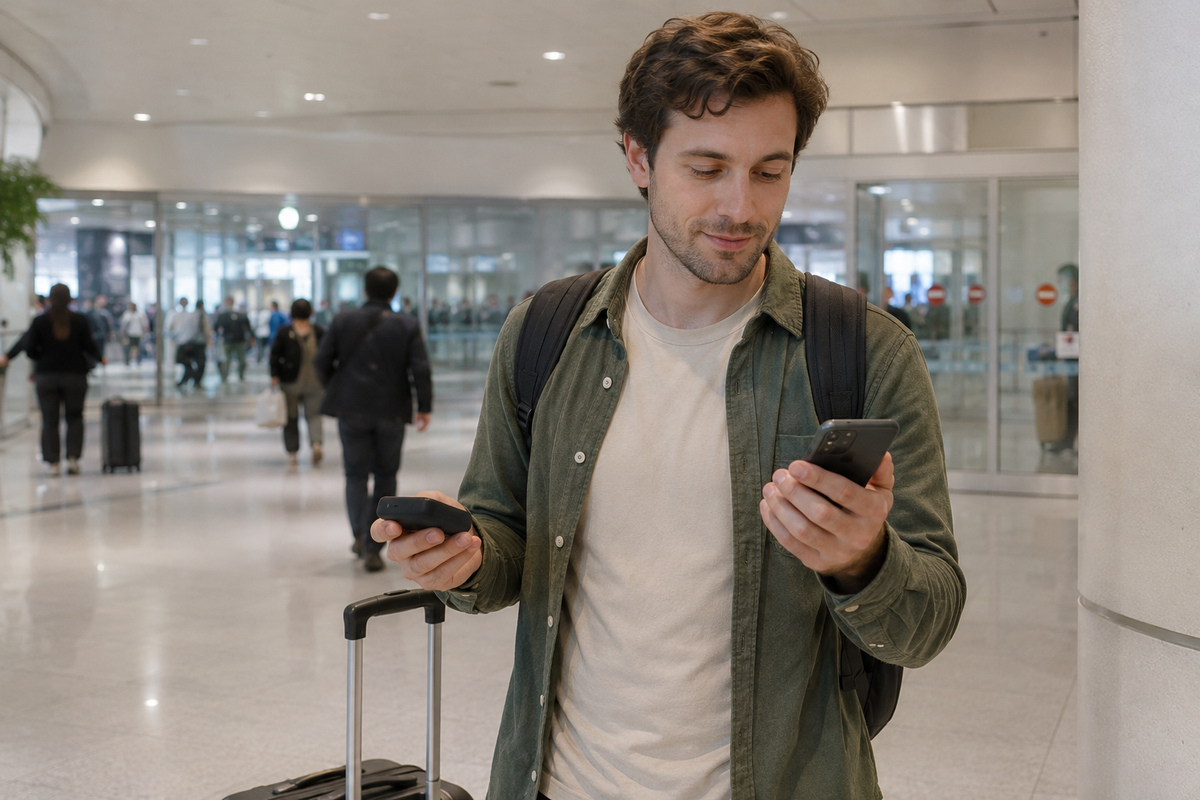
Pocket WiFi is a strong choice in Japan when two or more people need to share one connection, when you are carrying several devices, or when you do not want to change SIM settings on each phone. Reserve before arrival when possible, confirm the exact pickup location and opening hours, charge the router daily, and understand the provider’s return and loss rules before you leave Japan. Solo travelers with one compatible phone may find an eSIM simpler because there is no extra device to carry or return.
What You’ll Learn
- Who benefits most from Pocket WiFi in Japan—and who may be better with an eSIM
- How online reservation, airport pickup, hotel delivery, setup, and return normally work
- What to check about data policy, battery life, connected-device limits, coverage, and support
- How to avoid missed pickup counters, flat batteries, weak signal, late returns, and loss charges
- How to build a simple connectivity backup plan for maps, transport, messaging, and emergencies
Is Pocket WiFi the Right Choice for Your Japan Trip?
Pocket WiFi is a small mobile router that connects to Japan’s cellular network and creates a private Wi-Fi hotspot for your phones, tablets, and laptops. Instead of installing a SIM or eSIM on every device, you connect each device to the router’s Wi-Fi network.
That makes it especially useful for couples, families, friends, business travelers, and anyone carrying more than one device. One router can keep several devices online at the same time, so a group does not need to buy a separate data plan for every phone.
JNTO notes that free public Wi-Fi is widely available in major cities and airports, but signals can be patchy or slow. A personal hotspot gives you a more predictable connection for live train searches, walking directions, translation, messaging, and last-minute booking changes.
- Good fit: couples, families, small groups, laptops and tablets, or travelers who want one shared connection
- Less ideal: solo travelers who want zero extra hardware, people who frequently split up, or anyone likely to forget to charge or return a device
- Best mindset: treat Pocket WiFi as your primary mobile connection, not as a substitute for keeping essential offline information
Who Pocket WiFi Is Best For
The biggest advantage is sharing. If two or three people are moving together most of the day, one rental router can be simpler than configuring separate SIM products. It also works well when one person has a phone plus a tablet or laptop.
For a family trip, Pocket WiFi can reduce setup friction because everyone connects with a normal Wi-Fi password. The trade-off is that the group must stay reasonably close to the person carrying the router. If people split up in different neighborhoods, only the person with the router keeps the shared connection.
It is also useful for travelers whose phones are locked, whose eSIM compatibility is uncertain, or who do not want to change mobile settings on their primary handset.
- Families or couples traveling together
- Travelers with phones plus tablets or laptops
- Visitors who are unsure whether their phone supports eSIM
- Travelers who prefer a normal Wi-Fi connection over SIM configuration
- Remote workers who want a separate travel connection for multiple devices
Pocket WiFi vs eSIM: Which Should You Choose?
For one traveler with one unlocked, eSIM-compatible phone, an eSIM is usually the lowest-friction option: there is no router to carry, recharge, protect, pick up, or return. Your phone stays connected as long as the eSIM is configured correctly and has coverage.
Pocket WiFi becomes more attractive as the number of people or devices increases. It also keeps your travel data connection separate from your phone’s SIM configuration. On the other hand, the router becomes a single point of failure: if its battery dies, it is left at the hotel, or the group splits up, everyone relying on it loses access.
A practical rule is simple: choose an eSIM for one person and one main phone; choose Pocket WiFi when the connection will be shared. If your trip is connectivity-critical, a small eSIM on one phone can also work as a backup to the shared router.
- Solo + one phone: eSIM is often simpler
- Two or more people staying together: Pocket WiFi is often easier to share
- Multiple devices: Pocket WiFi avoids buying separate plans
- Group splits up frequently: individual eSIMs are more flexible
- Work-critical trip: consider a backup connection rather than relying on one device

How Pocket WiFi Rental Works in Japan
The normal process is reserve, receive, connect, and return. Booking before departure is preferable because it lets you choose a pickup or delivery method that matches your arrival time instead of relying on whatever stock is available after landing.
With Japan Wireless, the current rental flow is online order, delivery to the selected pickup or delivery destination, quick activation, and return through a prepaid envelope. The provider currently lists major-airport pickup and accommodation or residence delivery options, subject to location rules and business hours.
After you receive the router, turn it on, find the Wi-Fi network name and password supplied with the device, and connect your phone just as you would to hotel Wi-Fi. Keep the instruction card or booking email accessible offline until you have confirmed that every device connects.
- Reserve before your flight when possible
- Match the pickup method to your actual arrival terminal and landing time
- Keep the Wi-Fi name, password, order number, and support contact available offline
- Test the router before leaving the pickup area or shortly after hotel delivery
- Photograph the complete rental kit so you know what must be returned
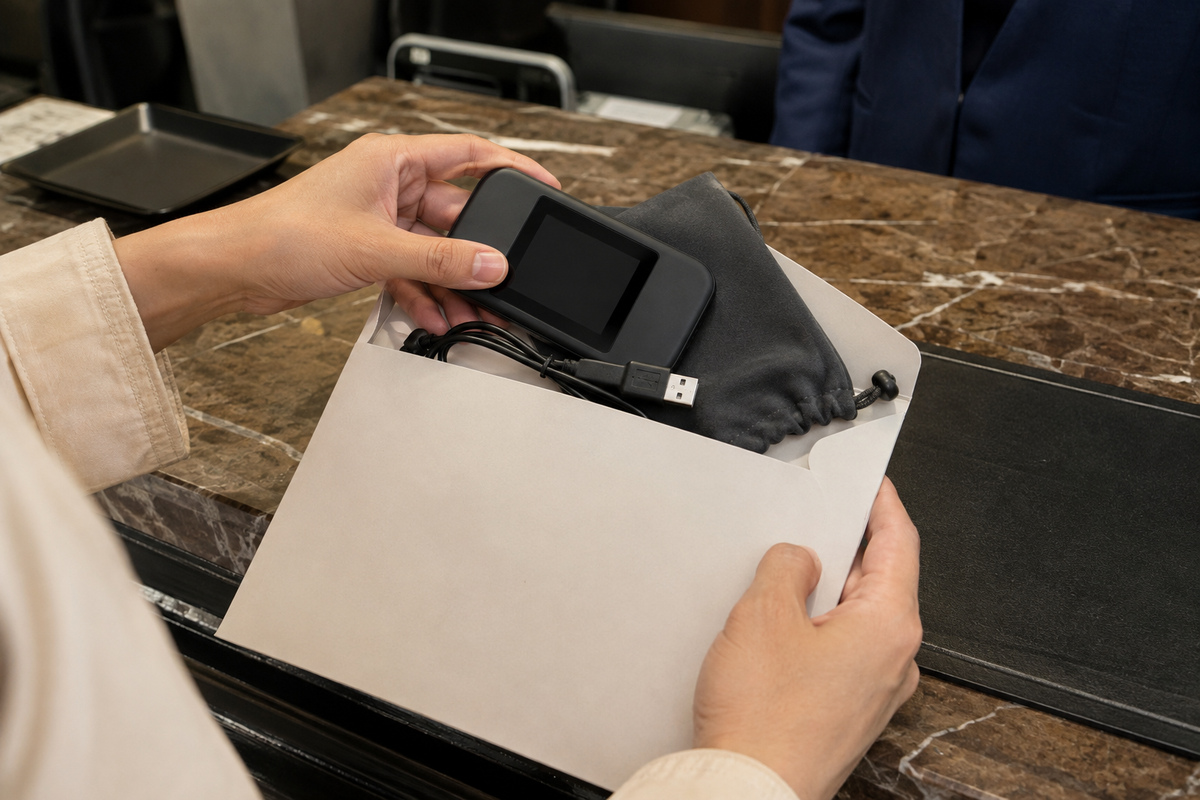
Airport Pickup, Hotel Delivery and Return
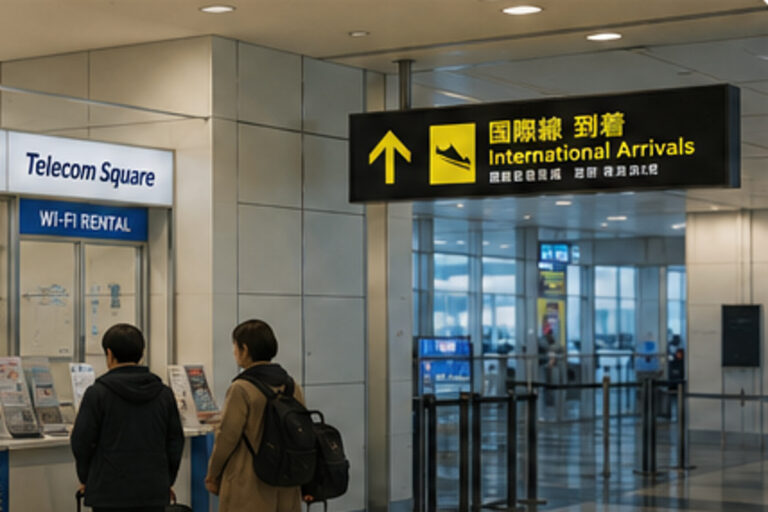
Airport pickup is convenient, but the counter is only useful if it is in the terminal you can reach and is open when you arrive. Haneda and Narita both list multiple Wi-Fi rental and mobile-service locations, and the exact counter, floor, and operating hours can change. Check the airport’s current service page and your provider’s confirmation shortly before travel.
Japan Wireless currently lists pickup at Narita, Haneda, Kansai, Chubu Centrair, Fukuoka, and New Chitose, plus hotel and other delivery options. If your flight arrives very late, hotel delivery may be safer than designing your first night around a counter that could close before immigration and baggage claim are finished.
Return rules are provider-specific. Japan Wireless supplies a prepaid return envelope and instructs customers to drop the complete kit in a postbox in Japan. Its current guidance also warns travelers not to leave the return until after airport security, because postal options may not be available airside. Follow the deadline and exact return instructions shown in your booking confirmation, because provider pages and procedures can be updated.
- Confirm terminal, floor, counter name, and opening hours before departure
- Allow time for immigration, baggage claim, customs, and terminal transfers
- Do not assume pickup counters also accept returns
- Return every rented item, not only the router
- Complete the return before security if your provider relies on a Japanese postbox
What to Check Before Booking a Rental
Do not compare Pocket WiFi rentals on headline price alone. The better comparison is the total trip cost plus the operating rules that affect your actual itinerary. A low daily rate is not useful if the pickup location is inconvenient, the data policy is restrictive, or support is unavailable when you need it.
Check whether 'unlimited' has a fair-use threshold, whether speed can be reduced after heavy use, the maximum number of connected devices, approximate battery life, what charging accessories are included, and what happens if the router is lost or damaged.
Japan Wireless currently advertises unlimited data without a Fair Usage Policy cap, around 10 hours of battery life, connection for up to eight devices, and an included power bank. Treat those as provider-specific claims and verify the live plan page for your travel dates rather than assuming every Japanese rental works the same way.
- Total price for your exact rental dates
- Data cap, fair-use policy, and throttling rules
- Battery life and whether a power bank is included
- Maximum simultaneous connected devices
- Pickup and return locations, hours, deadlines, and late fees
- Loss, theft, damage, and protection-plan terms
- Support language and support hours
- Coverage for the regions on your itinerary
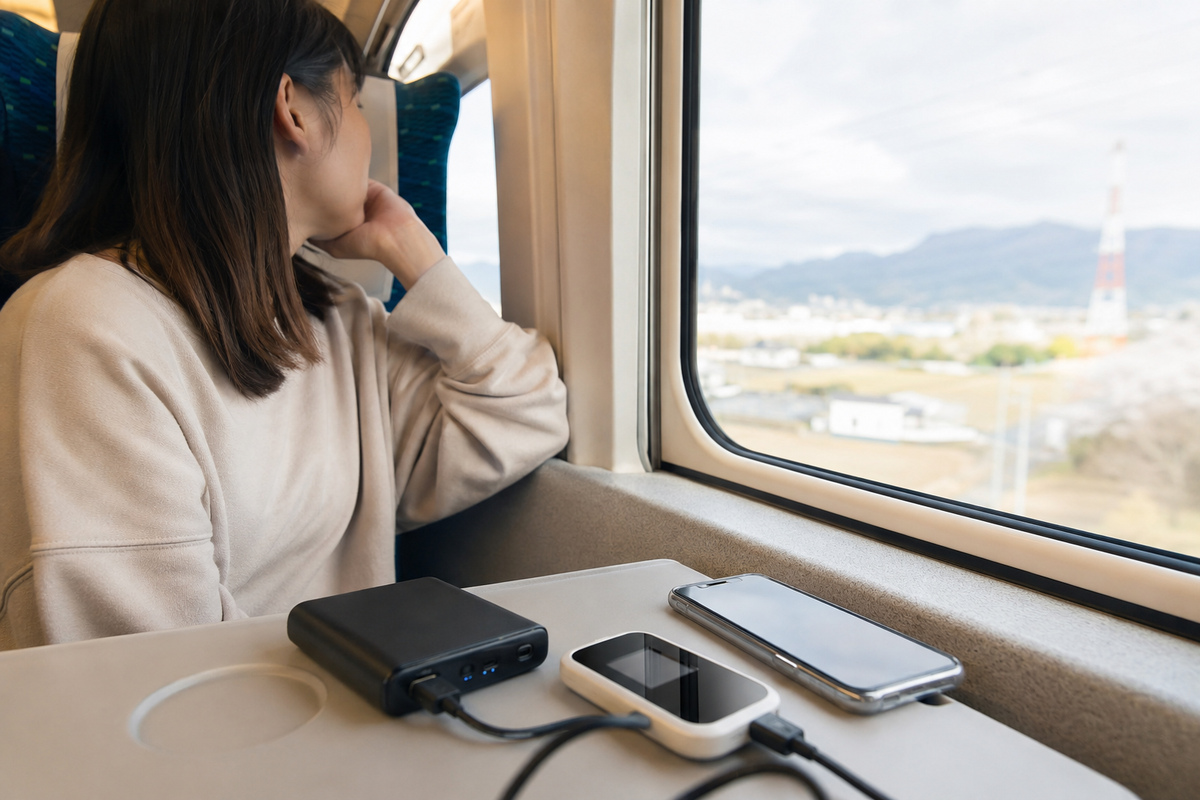
Battery, Speed, Coverage and Real-World Use
Pocket WiFi is only useful while it has power. Charge the router every night, and keep the included or personal power bank in your day bag on long sightseeing days. Battery performance varies with signal strength, device load, age, and usage, so published battery figures should be treated as an estimate rather than a guarantee.
Mobile-network speed also changes with location, congestion, building materials, tunnels, and the underlying carrier. Strong 4G or 5G in central Tokyo does not guarantee identical performance on a rural train, in a mountain area, or inside a thick concrete building.
For navigation, do not keep the router buried under electronics at the bottom of a packed bag. Put it in an accessible pocket, keep it dry, and restart it if the connection becomes unstable. Download your hotel address, key train details, and essential map areas as a backup before long travel days.
- Charge router and power bank every night
- Carry the router where signal can reach it rather than inside a dense electronics pouch
- Expect speed variation even on an 'unlimited' plan
- Keep offline copies of hotel addresses, tickets, and critical route information
- If the router fails, restart it before changing network settings on every device
Security, Loss and Damage: Avoid Expensive Mistakes
A rental router is borrowed equipment. Keep the device, cable, adapter, power bank, pouch, and return envelope together from the first day. The easiest way to avoid a missing-item charge is to give the kit one fixed place in your luggage whenever you are not using it.
Change nothing that the provider does not ask you to change. Use the supplied Wi-Fi password, avoid leaving the router unattended in public, and do not rely on public open Wi-Fi for sensitive transactions when your private hotspot is available.
If the router is lost or damaged, contact the provider immediately. Protection plans may reduce replacement charges, but the exact coverage and exclusions differ by provider. Do not wait until departure day to report a problem.
- Keep all rental accessories in one pouch
- Do not lend the router to someone who may leave the group
- Record the provider support contact and order number offline
- Check loss and damage charges before booking
- Report a lost or damaged device immediately
A Simple Pocket WiFi Strategy for First-Time Visitors
Reserve the router before flying, choose a pickup method that still works if immigration takes longer than expected, and connect every device before your first major transfer. Each morning, confirm the router and power bank are charged before leaving the hotel.
Keep one offline fallback: your hotel address, the next major station, and any booking confirmation you would need if your connection disappears. If you are traveling as a group, agree in advance who carries the router so nobody walks away with the entire group’s internet connection.
Finally, set a return reminder for the evening before departure. Pack every rental accessory, confirm the provider’s latest return instruction, and complete the return before you become distracted by check-in, security, shopping, or boarding.
- Book before arrival
- Verify pickup details a day or two before travel
- Charge nightly
- Keep essential information offline
- Assign one person to carry the router
- Set a return reminder before departure day
FAQ
Do I need an unlocked phone to use Pocket WiFi in Japan?
No. Pocket WiFi connects to your phone over normal Wi-Fi, so it does not require you to replace the SIM in the phone. That makes it useful when SIM unlocking or eSIM compatibility is uncertain.
Can several people use one Pocket WiFi router?
Yes, if the rental device supports multiple simultaneous connections. The exact limit varies by model and provider. Japan Wireless currently advertises support for up to eight connected devices on its rental plan.
Is Pocket WiFi unlimited in Japan?
Some plans are marketed as unlimited, but the definition of unlimited differs by provider. Always check for fair-use thresholds, daily caps, congestion policies, or throttling. Japan Wireless currently states that its plan has no FUP cap or artificial policy-based throttling.
Should I pick up Pocket WiFi at the airport or have it sent to my hotel?
Airport pickup is convenient when the counter is in the right terminal and remains open after your expected arrival processing time. Hotel delivery is often safer for very late arrivals or tight connections. Confirm the exact provider rules before booking.
How do I return a Pocket WiFi router in Japan?
It depends on the provider. Japan Wireless currently includes a prepaid return envelope and directs customers to return the complete kit through a postbox in Japan. Follow your own booking confirmation for the exact deadline and method.
Is Pocket WiFi better than an eSIM?
Neither is universally better. An eSIM is usually simpler for one traveler with one compatible phone. Pocket WiFi is often better for groups or travelers with several devices. If connectivity is critical, using one as the primary connection and the other as a backup can reduce risk.
Need mobile data in Japan?
Compare current eSIM data allowances, validity, device compatibility and setup requirements before choosing.
Check Saily eSIM plansRelated Japan Travel Guides


Official References
Final Thoughts
Pocket WiFi remains one of the most practical ways to stay connected in Japan when a couple, family, or small group will share data across several devices. The decision is less about finding the cheapest daily rate and more about matching the service to your trip: pickup timing, data rules, battery life, device count, support, and return method. Reserve ahead, keep an offline fallback, charge every night, and set the return reminder before departure. If you are traveling solo with one compatible phone, compare an eSIM as well—the simpler option is often the better one.