
Pocket WiFi vs eSIM in Japan : Which Is Better for Your Trip?
Compare Pocket WiFi and eSIM for Japan by traveler type, device compatibility, group size, hotspot needs, pickup and return, battery planning, and backup options.
Compare another Japan eSIM
Compare current data allowance, duration, compatibility and activation steps before choosing your eSIM.
Check Japan Wireless eSIM
For most solo travelers with an unlocked, eSIM-compatible phone, an eSIM is usually the simpler choice because there is no separate router to pick up, charge or return. Pocket WiFi is often more practical for couples, families and groups that stay together and want to connect several phones, tablets or laptops through one shared device. If your group may split up, independent eSIMs are usually more flexible than one shared router.
Separate trips, shared WiFi or one device?
The important cost is the price of keeping your actual travelers and devices connected. A shared device is less convenient when the group separates or the person carrying it leaves.
| Your situation | Start with | Check before committing |
|---|---|---|
| Travelers may split up during the day | A separate data option for each person who needs it | Phone compatibility, unlock status, data allowance and the full group cost. |
| Several devices will stay together | Compare a shared WiFi rental with individual data plans | Battery, charging, pickup, return and hotspot rules for any alternative plan. |
| You want to arrive with data ready | A plan with a setup process you can complete before flying | Installation instructions, activation trigger and which line should use roaming. |
| A device cannot use eSIM | Physical SIM or WiFi options that fit the device | Compatibility, collection timing and what happens if the arrival is delayed. |
Confirm the live plan and device list before paying. Keep an offline hotel address and a backup way to contact each other, even after you have purchased connectivity.
What You’ll Learn
- When eSIM is the simplest choice for a Japan trip
- When Pocket WiFi is better for several devices or a group
- What to check before buying an eSIM or renting a router
- How group splitting, hotspot use and battery needs change the decision
- How to build a simple backup plan before arrival
Start With Your Travel Style, Not the Cheapest Advertised Price
Pocket WiFi and eSIM solve the same basic problem—mobile internet in Japan—but the day-to-day experience is different. The right choice depends more on how many people and devices need data, whether your group stays together, and whether your phone supports a travel eSIM than on a headline price.
Compare the total cost for your exact dates and data needs. For Pocket WiFi, include delivery or pickup conditions, accessories, return rules and any protection options. For eSIM, confirm device compatibility, unlock status, data allowance, validity period and hotspot or tethering rules.
- Solo traveler with one main phone: eSIM is usually the easiest starting point.
- Couple or family staying together: Pocket WiFi can make one shared connection simple.
- Group that may split up: individual eSIMs give each traveler independent data.
- Laptop-heavy trip: compare Pocket WiFi with an eSIM plan that explicitly supports hotspot use.
- Older or locked phone: Pocket WiFi may avoid eSIM compatibility problems.
When eSIM Is Usually the Better Choice
An eSIM is a digital SIM that adds a mobile data plan without inserting a physical SIM card. Apple notes that travelers can use travel eSIMs from local carriers or worldwide providers, but using another carrier requires an unlocked iPhone. Saily likewise states that its service requires an eSIM-compatible, carrier-unlocked device.
The main advantage is simplicity once compatibility is confirmed. You do not carry a second device, you do not need a rental pickup or return step, and there is no Pocket WiFi battery to manage. This is especially attractive for solo travelers who primarily need data on one phone.
- Best fit for many solo travelers with compatible unlocked phones.
- No separate rental device, charging cable or return envelope.
- Useful if you want data available as soon as the travel plan activates.
- Hotspot can be possible, but check the specific provider and device rules before relying on it.
- Keep your primary SIM settings under control so you do not accidentally use expensive home-carrier roaming.
When Pocket WiFi Is Usually the Better Choice
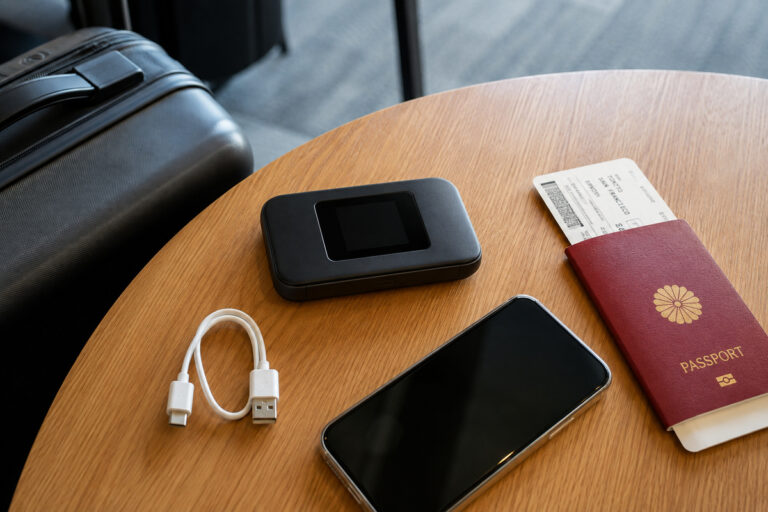
Pocket WiFi is a small mobile router that creates a private Wi-Fi network for nearby devices. It remains useful when several phones, tablets or laptops need one shared connection, or when a traveler’s phone is not suitable for an eSIM.
Japan Wireless currently describes a rental flow of ordering before the trip, delivery in Japan, simple activation and return using a prepaid envelope through a postbox. Provider-specific details can change, so the booking confirmation should be treated as the operational source of truth for your trip.
- Good for couples, families and groups that stay together.
- Useful for connecting phones, tablets and laptops to one hotspot.
- Avoids eSIM installation on every device.
- Requires charging and keeping the router with the group.
- Requires a return step and careful handling of rented equipment.

The Biggest Difference for Groups: What Happens When You Split Up?
A Pocket WiFi connection only helps devices that remain close enough to the router. If two travelers separate for shopping, different attractions or different trains, the person without the router may lose that shared connection.
This is where individual eSIMs are more flexible. Each traveler keeps independent mobile data. A mixed setup can also work: use Pocket WiFi as the main shared connection and give one or more adults an independent eSIM as backup.
- Staying together all day favors a shared router.
- Splitting up often favors independent eSIMs.
- Families with children may still prefer one router for simplicity.
- At least one independent backup connection can reduce risk if the group gets separated.

Device Compatibility and Unlock Status Can Decide the Answer
Do not buy a travel eSIM until you confirm that the exact phone model and regional variant supports eSIM and that the device is not carrier-locked. Apple provides a SIM-lock status check on iPhone, and eSIM providers maintain compatibility lists because support can vary by model and market.
If compatibility is uncertain, Pocket WiFi is often the safer operational choice because the phone only needs normal Wi-Fi capability. This is also useful for tablets or laptops that do not have their own cellular connection.
- Check the exact device model, not only the phone family name.
- Confirm carrier unlock status before purchase.
- Check whether the eSIM provider supports your device and operating system.
- If you need tethering, confirm that the provider permits and supports it.
Battery, Charging and Daily Friction
Pocket WiFi adds another battery-powered device to your travel day. Long train rides, navigation, photo uploads and multiple connected devices can make power management important. Carry the correct charging cable and consider a power bank if your rental does not already include one.
An eSIM removes the separate router battery, but your phone may work harder because it becomes the main data device and possibly the hotspot for other devices. Either way, charging should be part of your daily travel routine.
- Pocket WiFi: charge the router and keep it with the group.
- eSIM: protect phone battery if you use heavy navigation or hotspot features.
- Carry a power bank for long sightseeing and transport days.
- Do not leave your only charging cable in checked luggage.
Pickup, Setup and Return: Which Workflow Fits You?
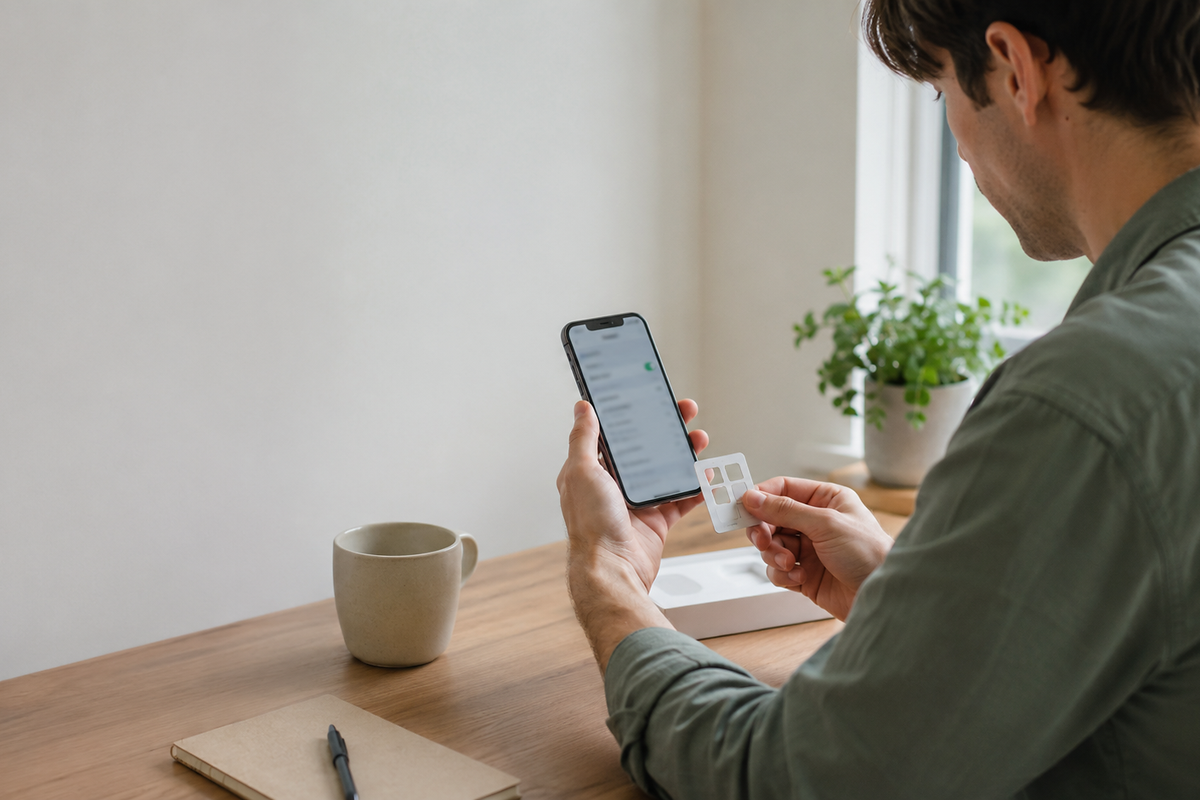
eSIM is generally a digital workflow: buy a plan, install it on a compatible device and activate or enable it according to the provider’s instructions. Saily provides setup guides for iOS and Android and separate hotspot instructions.
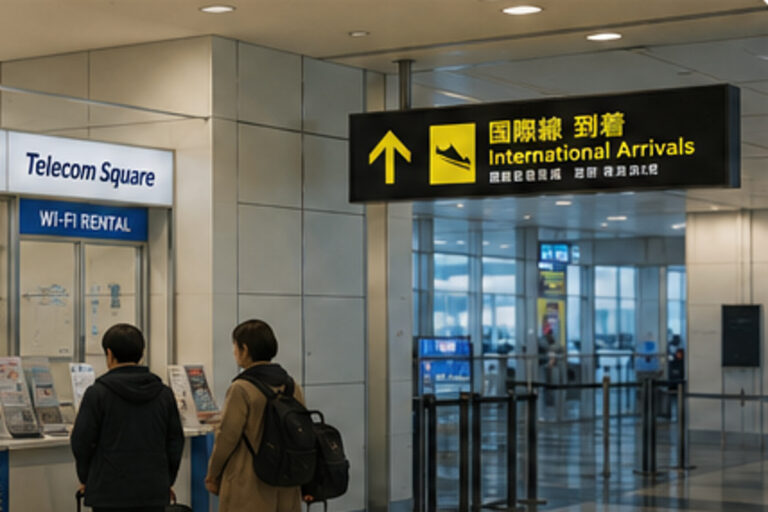
Pocket WiFi adds physical logistics. Depending on the provider, you may receive the device at an airport, hotel or other approved delivery point, and you must return it using the confirmed method before or after departure. The details matter more than the general category, so read the live booking instructions carefully.
- eSIM: no physical pickup or return.
- Pocket WiFi: verify delivery or pickup location and timing.
- Pocket WiFi: verify the exact return method and deadline.
- Both: test the connection before leaving your first reliable Wi-Fi location.
A Practical Backup Plan for Japan
Mobile data is important for maps, station navigation, translation, hotel messages, ride-hailing and emergency information. A backup does not need to be expensive or complicated, but you should know what you will do if the primary connection fails.
Save essential addresses, booking confirmations and transport information offline before departure. If you are traveling with another adult, consider giving that person an independent connection rather than making the entire group depend on one router.
- Save hotel addresses and reservation details offline.
- Download essential maps or screenshots before arrival.
- Keep provider support instructions accessible without mobile data.
- If the trip is critical for work, use two independent connection methods.
Final Decision: Use This Simple Rule
Choose eSIM if you travel alone, have an unlocked compatible phone and want the least equipment and logistics. Choose Pocket WiFi if several devices or several people need one shared connection and you expect to stay together.
If you are still undecided, start with the failure mode that would annoy you most. If you hate carrying and returning hardware, lean eSIM. If you hate configuring several phones or need laptops and tablets online together, lean Pocket WiFi. If your group may split up, independent mobile data becomes more valuable.
- Solo + compatible unlocked phone: eSIM.
- Group together + several devices: Pocket WiFi.
- Group often splits: individual eSIMs.
- Compatibility uncertain: Pocket WiFi.
- Need maximum resilience: shared router plus one independent eSIM backup.
FAQ
Is Pocket WiFi or eSIM better for Japan?
For many solo travelers with an unlocked eSIM-compatible phone, eSIM is simpler. Pocket WiFi is often better for groups that stay together or travelers who need to connect several devices through one shared hotspot.
Do I need an unlocked phone to use a travel eSIM in Japan?
Yes when the eSIM is from a different carrier or global provider than the one that locked the phone. Apple and Saily both advise travelers to confirm unlock status and eSIM compatibility before purchase.
Can I use hotspot or tethering with an eSIM?
Often yes, but it depends on the provider, plan and device. Saily publishes hotspot setup instructions for iOS and Android. Check your exact plan before relying on tethering for a laptop or other travelers.
Can several people use one Pocket WiFi?
Yes, that is one of its main advantages. Several nearby devices can share the router, but everyone depends on staying close enough to the person carrying it.
What is better if my group will split up?
Individual eSIMs are usually more flexible because each traveler keeps independent data. One Pocket WiFi router cannot serve two groups in different places.
Do I have to return Pocket WiFi?
Yes, it is rental equipment. Follow the provider’s current return method and deadline. Japan Wireless, for example, currently describes a prepaid return-envelope process using postboxes in Japan.
Should I buy both Pocket WiFi and eSIM?
Most leisure travelers do not need both, but a mixed setup can be sensible for business travel, families that may split up, or anyone who wants an independent backup connection.
Compare your Japan connectivity options
Review Japan Wireless before choosing between pocket Wi-Fi and an eSIM.
Check Japan Wireless plansRelated Japan Travel Guides


Official References
Final Thoughts
Pocket WiFi and eSIM are both strong options for Japan, but they fit different travel patterns. eSIM minimizes hardware and logistics; Pocket WiFi makes one shared connection easy for several devices. Decide by compatibility, group behavior, device count, charging tolerance and how often travelers will separate—not by the cheapest headline price alone.