Introduction
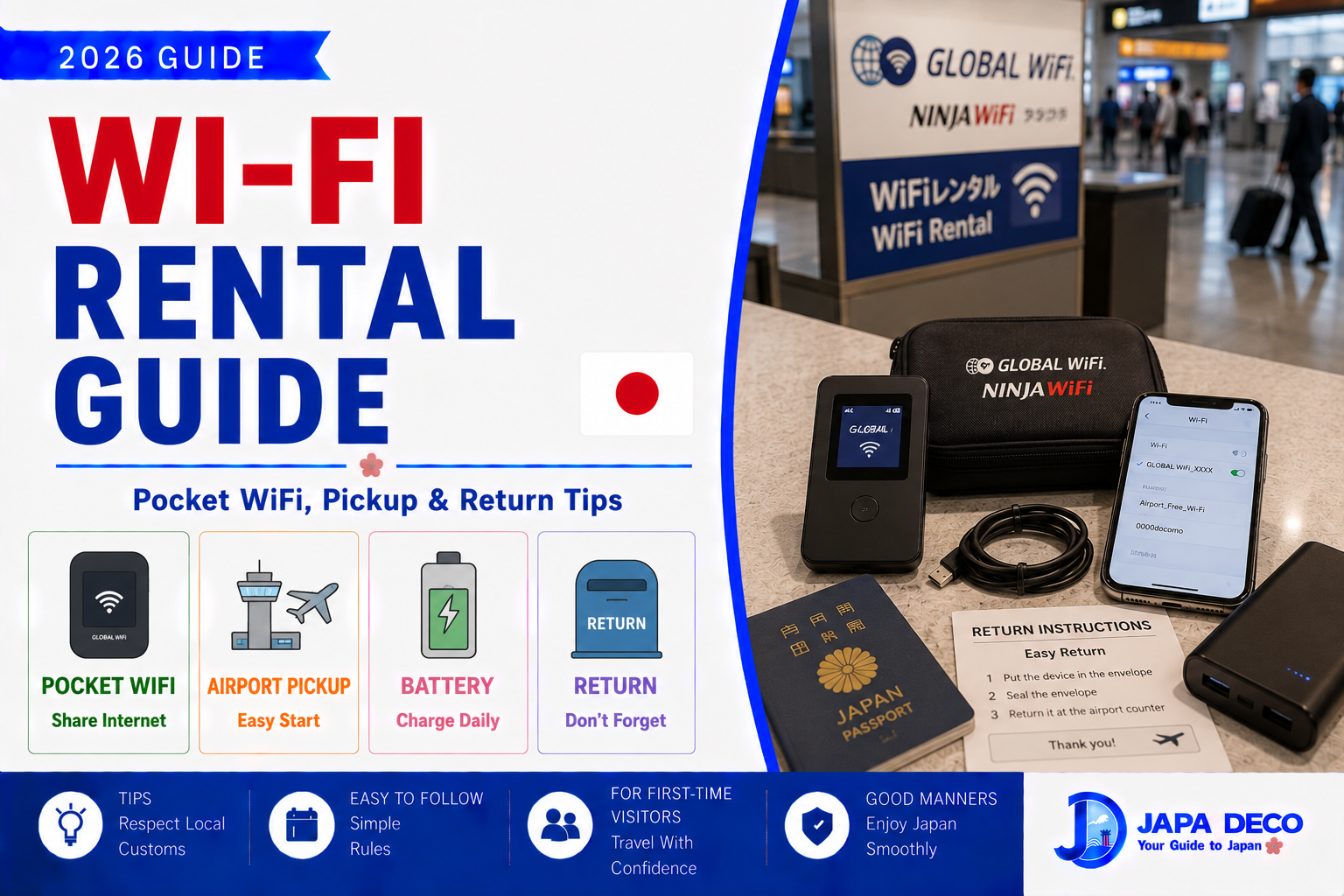
Wi-Fi rental is one of the easiest ways to get internet in Japan, especially if you are traveling with family, using several devices, or do not want to change SIM cards.
A pocket WiFi is a small portable device that creates a private Wi-Fi connection. You carry it in your bag, connect your phone to it, and use the internet while traveling.
For many visitors, eSIM is now simpler. But pocket WiFi still has strong advantages, especially for groups, laptops, tablets, children’s devices, and travelers whose phones do not support eSIM.
This guide explains how Wi-Fi rental works in Japan, when it is useful, where to pick it up, how to return it, and what mistakes to avoid.
What Is Pocket WiFi?
Pocket WiFi is a small mobile router.
It connects to Japan’s mobile network and creates a Wi-Fi signal for your devices.
You can connect:
- Smartphone
- Tablet
- Laptop
- Travel partner’s phone
- Children’s devices
- Camera or translation device if supported
You usually rent it before your trip, pick it up at the airport or hotel, use it during your stay, and return it before leaving Japan.
It is simple, but you need to manage battery, charging, and return instructions.
Who Should Use Wi-Fi Rental?
Wi-Fi rental is good for:
- Families
- Groups
- Travelers with several devices
- People using laptops
- Visitors with phones that do not support eSIM
- People who want one shared connection
- Travelers who do not want to change SIM cards
It may not be the best choice for:
- Solo travelers
- People who only use one phone
- Very light internet users
- Travelers who do not want to carry another device
- People who may forget to charge or return it
For solo travelers, eSIM is often easier. For groups, pocket WiFi can be very convenient.
【Image①】
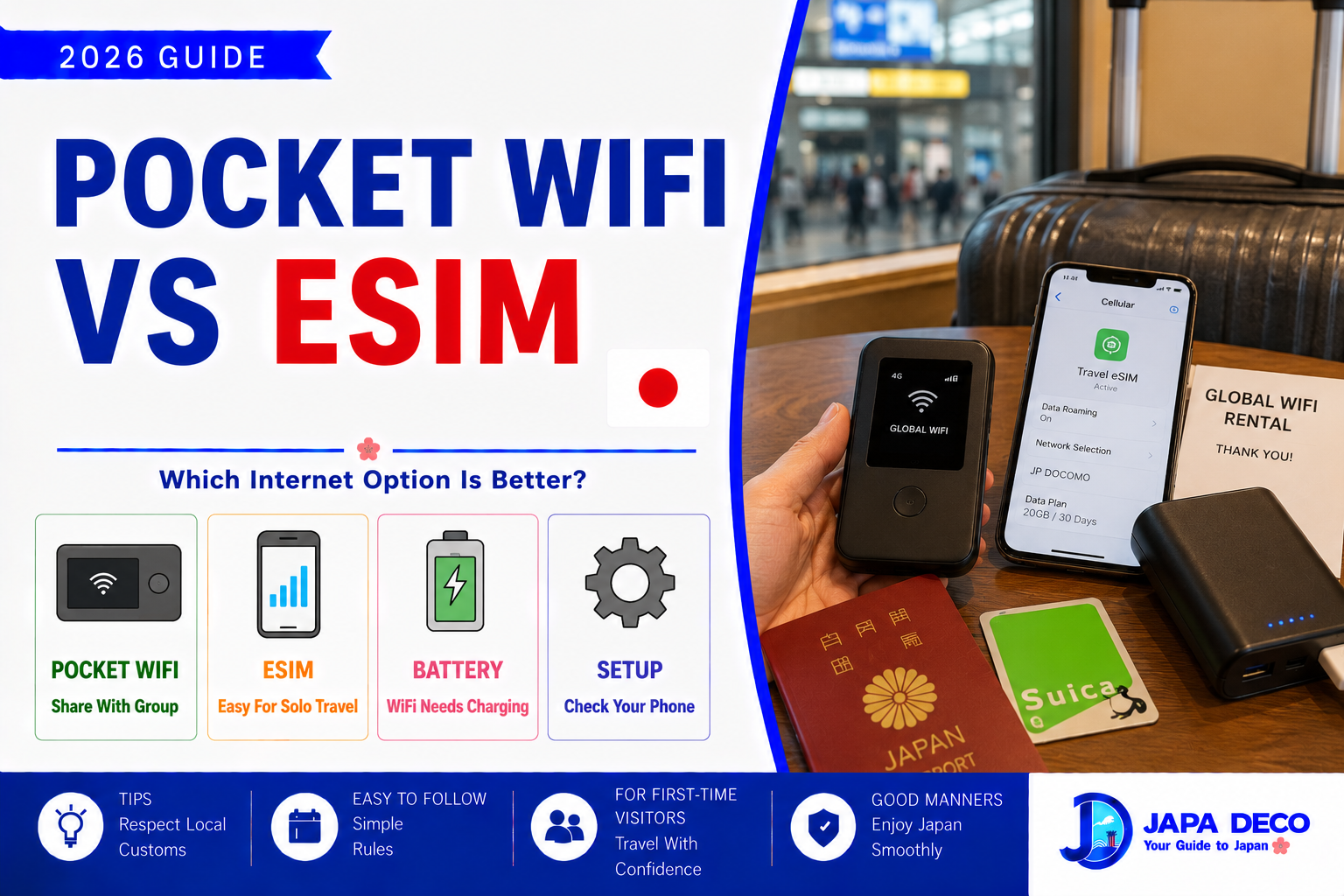
Pocket WiFi vs eSIM
Pocket WiFi and eSIM both help you stay connected.
Pocket WiFi is better if:
- Several people need internet
- You need laptop connection
- Your phone does not support eSIM
- You want to avoid phone settings
- You want one shared device
eSIM is better if:
- You travel alone
- You want less luggage
- You do not want to charge another device
- You want internet immediately after landing
- Your phone supports eSIM
The best choice depends on your travel style.
If you are traveling alone, eSIM is usually simpler.
If you are traveling with family, pocket WiFi can be easier to share.
Airport Pickup
Many Wi-Fi rental services offer airport pickup.
Common pickup places include:
- Haneda Airport
- Narita Airport
- Kansai Airport
- Chubu Centrair Airport
- Fukuoka Airport
- New Chitose Airport
After landing, you go to the rental counter, show your reservation, and receive the device.
Check airport counter hours before booking.
If your flight arrives late at night, the counter may be closed.
In that case, hotel delivery or another internet option may be safer.
Hotel Delivery
Some rental services can deliver pocket WiFi to your hotel.
This is useful if:
- You arrive late
- Airport pickup is difficult
- You want to avoid counter lines
- You already have internet for the first day
- You are staying at a hotel with front desk support
Before using hotel delivery, confirm your hotel name, address, reservation name, and check-in date.
If you stay at an apartment or unmanned accommodation, delivery may be harder.
Hotels with normal front desks are usually easier.
Returning Pocket WiFi
Return rules are very important.
Most rental services include a return envelope or airport return method.
You may return the device by:
- Airport counter
- Airport return box
- Mail envelope
- Hotel front desk service if arranged
- Convenience store shipping in some cases
Before your last day, check the return method.
Do not pack the device deep in your suitcase if you need it at the airport.
Forgetting to return pocket WiFi can lead to extra charges.
【Image②】
Battery Life
Pocket WiFi needs charging.
This is the biggest daily responsibility.
If the battery dies, your devices lose internet.
Tips:
- Charge it every night.
- Carry a power bank.
- Turn it off when not needed.
- Keep the charging cable with you.
- Check battery before leaving the hotel.
- Do not leave it in the room if you need maps outside.
For full sightseeing days, a power bank is strongly recommended.
Your phone and pocket WiFi may both drain quickly when using maps, translation, and photos.
Data Limits and Speed
Some Wi-Fi rental plans advertise unlimited data, but speed rules can vary.
Some plans may slow down after heavy usage.
For normal travel use, pocket WiFi is usually enough for:
- Maps
- Messaging
- Translation
- Web browsing
- Restaurant search
- Train routes
- Social media
Be careful with heavy use such as:
- Long video streaming
- Large uploads
- Cloud backups
- Online gaming
- Huge file downloads
If multiple people share one device, data use can increase quickly.
Carrying the Device
Pocket WiFi is small, but you must carry it.
Keep it in:
- Day bag
- Backpack
- Jacket pocket
- Travel pouch
Do not leave it in your hotel room if you need internet outside.
Also remember that everyone sharing the device must stay near it.
If your group splits up, only the person with the pocket WiFi has internet.
This is a key weakness compared with each person having their own eSIM.
Security
A rental pocket WiFi usually creates a private Wi-Fi network with a password.
This is safer than relying only on random public Wi-Fi.
Do not share the password with strangers.
Keep the device and rental pouch safe.
If you lose the device, contact the rental company as soon as possible.
You may be charged for loss or damage depending on the rental terms.
【Image③】
Public Wi-Fi in Japan
Japan has public Wi-Fi in some places, but you should not rely on it as your main internet source.
You may find Wi-Fi at:
- Airports
- Hotels
- Cafes
- Convenience stores
- Train stations
- Shopping malls
- Some tourist areas
However, public Wi-Fi can be slow, require registration, disconnect often, or be unavailable when you need it.
For smooth travel, prepare your own internet through eSIM, SIM card, or pocket WiFi.
Best Use Cases
Pocket WiFi is especially useful for:
- Family trips
- Group travel
- Business travel
- Longer stays
- Laptop work
- Travelers with older phones
- People who want simple setup
- Visitors using multiple devices
It is less useful if you travel alone and only use one smartphone.
In that case, eSIM may be lighter and easier.
Common Mistakes to Avoid
The biggest mistake is forgetting to charge the device.
Another mistake is forgetting to return it before leaving Japan.
Some travelers also book airport pickup without checking counter hours.
Others share one pocket WiFi with a group, then split up and lose internet.
Do not assume public Wi-Fi will cover you everywhere.
Also, check whether your plan includes insurance, replacement rules, and late return fees.
Best Recommendation for First-Time Visitors
For first-time visitors, choose based on your group.
If you are alone, consider eSIM first.
If you are traveling with family or several devices, pocket WiFi is a strong option.
Book before arrival, choose airport pickup or hotel delivery, carry a power bank, and set a reminder to return it.
For a smooth trip, internet is not a luxury in Japan. It helps with maps, trains, translation, payments, hotel check-in, restaurant searches, and emergencies.
Conclusion
Wi-Fi rental is a practical way to stay connected in Japan.
Pocket WiFi is especially useful for families, groups, laptops, tablets, and travelers who want one shared internet connection. It is easy to use, but you must charge it, carry it, and return it properly.
For solo travelers, eSIM may be simpler. For groups, pocket WiFi can be better value and easier to share.
Before booking, check pickup location, counter hours, data rules, battery life, return method, and late return fees.
With the right plan, pocket WiFi can make your Japan trip much smoother, especially when using maps, translation, train routes, and travel apps every day.

コメント