
Google Maps in Japan: Trains, Station Exits, Walking & Offline Maps
A practical Japan travel guide to using Google Maps for trains, station exits, walking, buses, saved places and offline backup without getting lost at major stations.

Google Maps is an excellent primary navigation tool for Japan, especially for public transport, walking directions, nearby places and route comparisons. At large stations, confirm the line, direction, platform and exit against real station signs before moving. Download offline areas as a backup, but Google states that offline maps do not provide public-transit, walking or cycling directions, so reliable mobile data remains important for day-to-day travel.
What You’ll Learn
- How to read train routes, transfers, platforms and station exits without following the screen blindly.
- How to choose easier routes when the fastest option creates difficult transfers or long station walks.
- What offline maps can and cannot do, and why mobile data still matters in Japan.
- How saved places, bus-stop checks and real station signs reduce common navigation mistakes.
What Google Maps Does Well in Japan
Google Maps is most useful in Japan as a single day-to-day navigation layer: it can compare routes, show public transport and walking options, surface nearby businesses, and help travelers connect a station to the exact hotel, restaurant or attraction they actually want to reach.
The key is to use it as a decision tool rather than an unquestioned instruction sheet. Google itself notes that directions and feature availability can vary, so travelers should stay aware of their surroundings and confirm real signage when in doubt.
- Compare public-transport and walking options before leaving.
- Search the final destination, not only the nearest station name.
- Use estimated time as one factor, not the only factor.
- Check real station and street signs when the route feels inconsistent.
Set Up Maps Before You Arrive
Do the basic setup before landing, not while standing in an airport arrivals hall with luggage. Save your first hotel, its nearest station, the arrival airport terminal if known, and the first airport-to-hotel route.
Google Maps lets signed-in users save places to lists. Grouping locations by city or neighborhood makes the app much more useful because you can plan a realistic day around nearby places instead of repeatedly searching from zero.
- Save your hotel and nearest station.
- Save the first airport transfer and a backup option.
- Create city or neighborhood lists for Tokyo, Kyoto, Osaka or other stops.
- Prepare mobile data and download an offline area as backup.
- Keep screenshots of critical addresses or routes for emergencies.
Read the Whole Train Route, Not Just the First Line
Japanese urban rail networks often combine JR lines, subway systems and private railways inside or around the same station complex. Before boarding, read the full route from start to finish and identify the line name, direction, transfer station and final station.
Google Maps can show multiple route options and estimated travel times. For a visitor with luggage or children, the easiest route may be a few minutes slower but involve fewer transfers and less walking inside large stations.
- Confirm the railway or subway line name.
- Check the destination direction, not only the platform number.
- Look at every transfer before starting the trip.
- Prefer fewer transfers when simplicity matters more than speed.
- Re-check the route if you miss a train or change departure time.
Station Exits and Transfers Matter More Than Travelers Expect
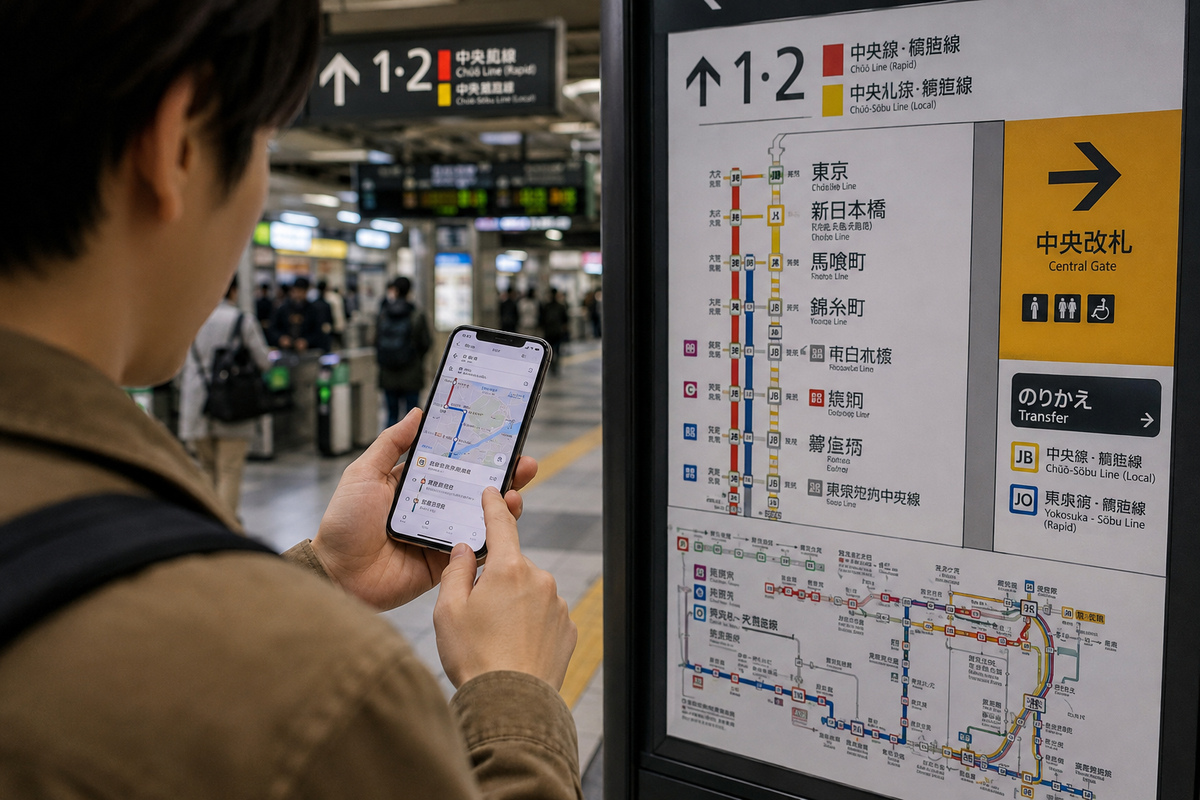
At a large station, reaching the correct station is only part of the job. The wrong exit can put you on the opposite side of a major road, inside a different shopping complex, or several minutes from the destination.
Use Google Maps to identify the destination side of the station, then follow the physical exit numbers, line signs and transfer arrows inside the building. GPS can become less reliable underground, so the station itself should be treated as the final wayfinding layer.
- Search the hotel, restaurant or attraction rather than the station alone.
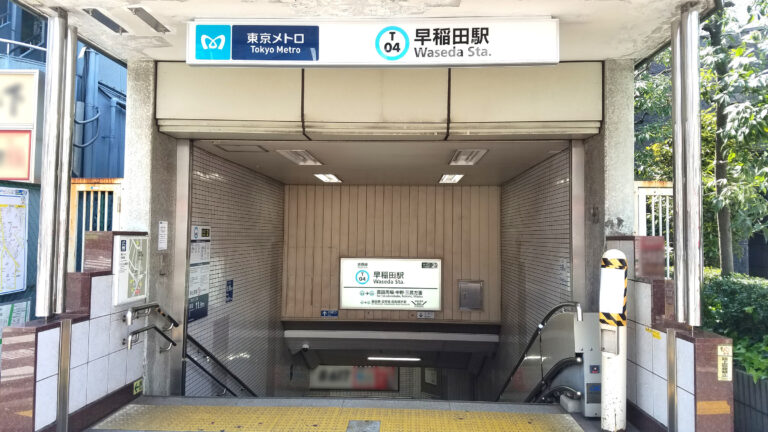
- Note the exit number before going underground.
- Follow railway-company and platform signs during transfers.
- Stop in a safe place before checking the phone in crowded concourses.
Choose the Easiest Route, Not Automatically the Fastest
The top-ranked route is not automatically the best route for every traveler. Google explains that transport options can be ranked using factors such as duration, distance, price, mode preference and relevance.
For Japan travel, add your own practical criteria: number of transfers, amount of station walking, luggage, stairs, arrival time, and whether you already know the station. A slightly longer direct route can be the better choice after a long flight.
- Fastest: useful when you know the network and travel light.
- Fewest transfers: often better with luggage, children or first-time travel.
- Cheapest: useful for budget travel but not always simplest.
- Airport bus or taxi: worth comparing when door-to-door ease matters.
Walking Navigation Works Best Above Ground
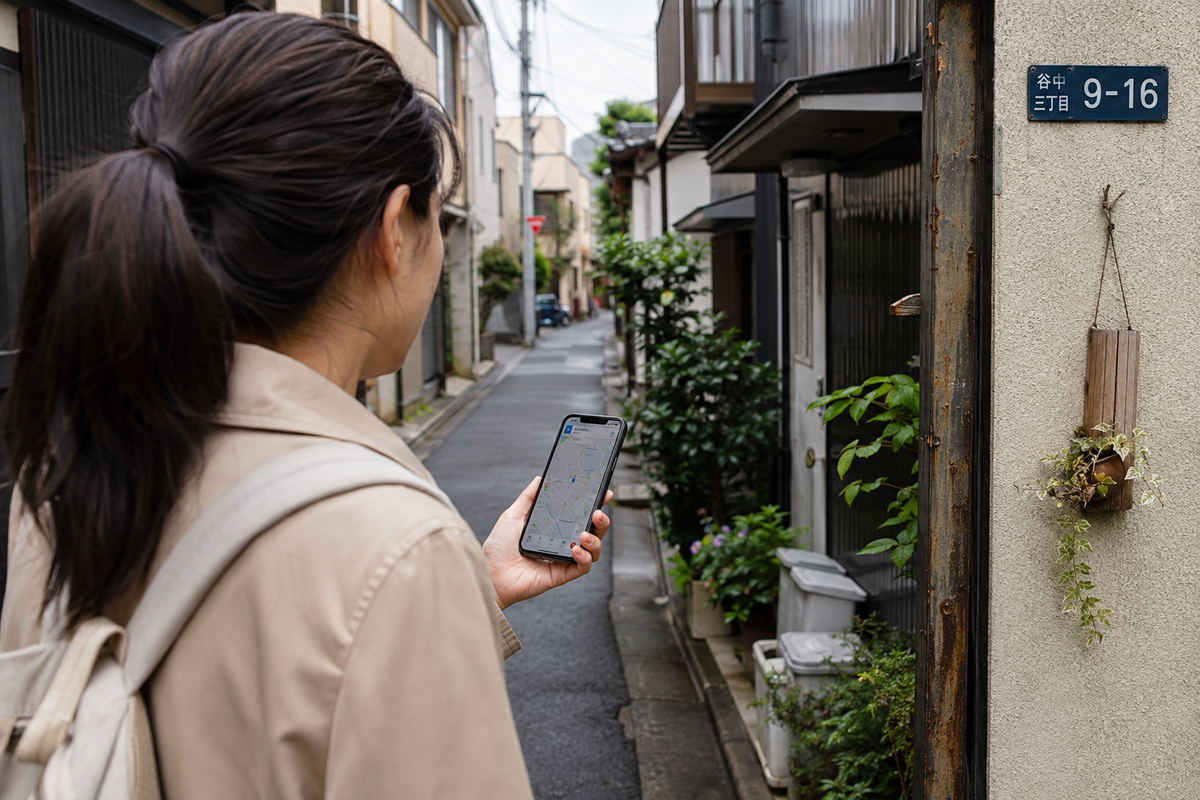
Walking directions are useful from stations to hotels, restaurants, temples, shops and attractions. Zoom in before moving so you understand the first turn and can see whether the route passes through a station building, underground passage, pedestrian bridge or shopping complex.
If the blue route and the real environment disagree, stop safely and reorient using street names, visible landmarks and building entrances. Google also advises users to stay aware of surroundings and confirm actual signage when uncertain.
- Check the first turn before walking.
- Use recognizable landmarks to verify direction.
- Expect weaker GPS performance underground or in dense structures.
- Do not stare at the phone while crossing streets or moving through platforms.
Use Extra Care With Buses
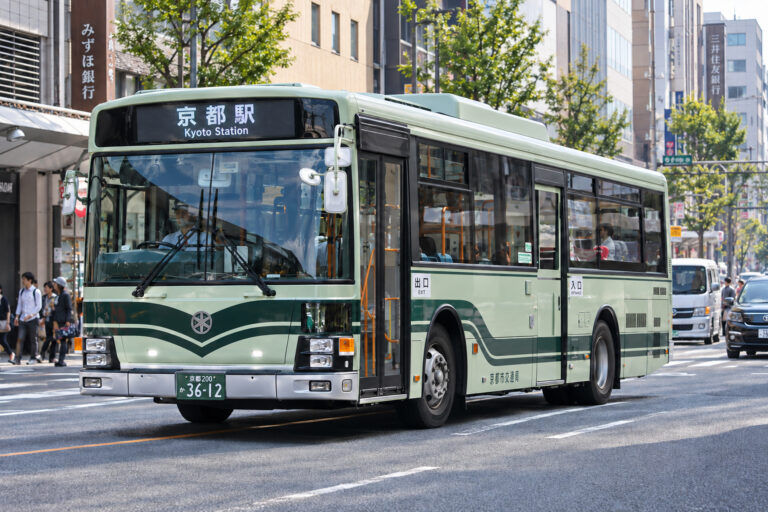
Bus navigation is useful in Kyoto, airport areas, suburban neighborhoods and places where rail coverage is less convenient. The difficult part is often not the route itself but finding the exact stop and correct direction.
Zoom in before boarding and compare the bus number, stop location and direction with the sign at the stop. On opposite sides of the same road, similarly named stops can serve completely different directions.
- Check the exact side of the road.
- Confirm bus number or route name.
- Check the destination display before boarding.
- Verify late-evening service separately when timing is critical.
Offline Maps Are a Backup, Not a Full Japan Transit Solution
Google Maps lets users download areas for offline use, which is useful if the connection becomes slow or unavailable. However, Google states that public-transit, walking and cycling directions are unavailable offline; offline driving also loses traffic information and alternative routes.
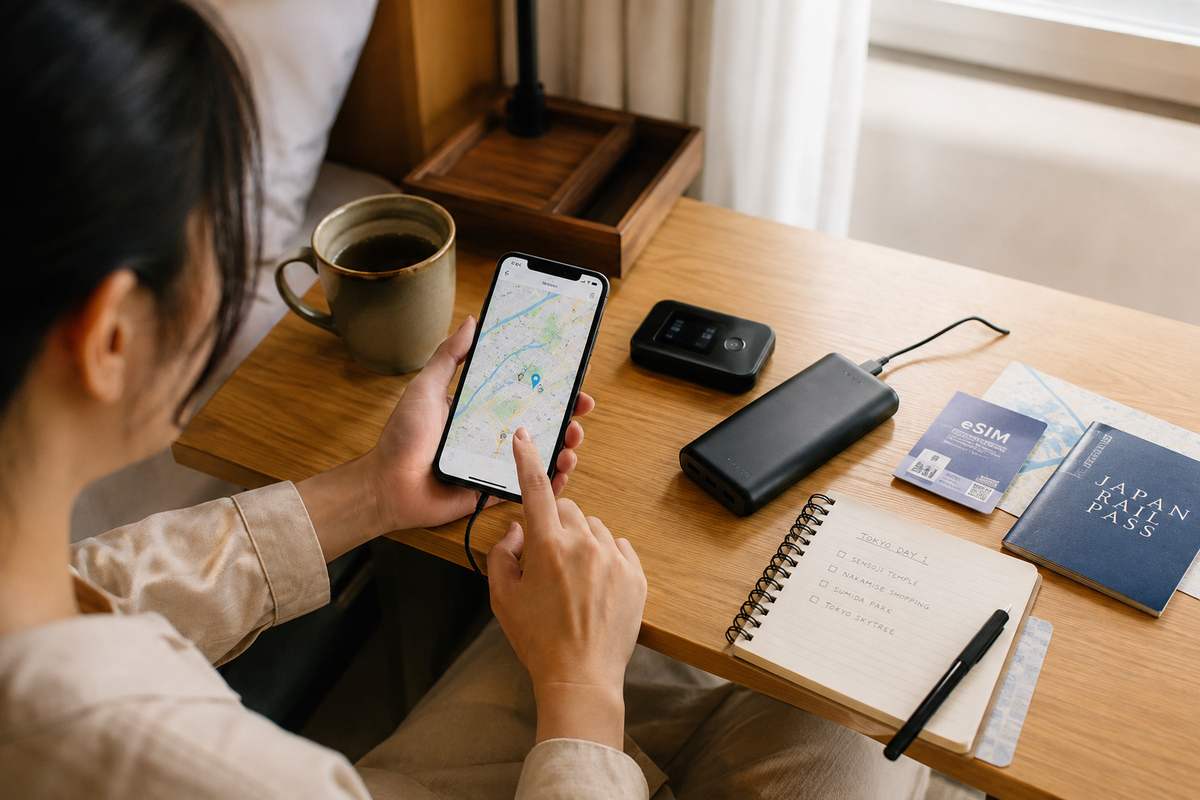
That limitation matters in Japan because visitors often rely on current train, bus and walking information. Keep an offline area and key screenshots as a fallback, but plan to have an eSIM, SIM card or pocket Wi-Fi for normal travel.
- Download your main city areas before departure.
- Keep mobile data for public transport and walking directions.
- Screenshot critical hotel and airport routes.
- Do not assume an offline download replaces live transit data.
Use Saved Places to Build Better Travel Days
Saved-place lists are more useful when they reflect how you will actually move through a city. Instead of one giant Japan list, separate places by city, neighborhood or travel day.
A good list includes the hotel, stations, meals, attractions and practical backups such as convenience stores or pharmacies. This turns Google Maps from a search box into a practical trip-control layer.
- Group places by neighborhood or day.
- Save backup food and practical stops near the hotel.
- Save meeting points when traveling with other people.
- Remove low-priority pins so the map stays readable.
Airports Need a Route Comparison, Not a Single Answer
From Haneda or Narita, Google Maps can help compare rail, bus, taxi and walking connections, but the best choice depends on terminal, hotel location, luggage, arrival time and tolerance for transfers.
Before leaving the terminal, compare at least two realistic routes and note the last practical connection if you arrive late. For airport-specific details, use the airport guide and the transport operator's own information alongside Google Maps.
- Compare time, transfers and luggage handling.
- Confirm the terminal you are actually in.
- Check late-night service before committing to a rail route.
- Use official airport or railway information when timing is critical.
Restaurants, Shops and Nearby Search Need a Freshness Check
Google Maps is useful for finding restaurants, convenience stores, ATMs, pharmacies and cafes, but business information can change. Before making a special trip, check recent hours, recent reviews and the business's own page when available.
For restaurants, the most useful details are location, recent operating information, reservation requirements and whether the entrance is actually where the map pin suggests—especially inside stations and large commercial buildings.
- Check recent opening information.
- Look for recent user reports rather than relying on old reviews.
- Confirm the floor or building entrance in large complexes.
- Use the business's official information when the visit is time-sensitive.
When to Double-Check Google Maps
Google Maps should not be the only source for every travel decision. Temporary rail disruption, Shinkansen reservation rules, rail-pass eligibility, airport last connections and rural transport schedules are all situations where an official operator source can matter more than a general mapping layer.
A simple rule works well: use Google Maps to plan and compare, then use real station signs and official operator information to confirm details that are expensive, time-sensitive or difficult to recover from if wrong.
- Check official railway updates during delays.
- Confirm Shinkansen reservation and pass rules separately.
- Verify the last train or bus on late arrivals.
- Check local transport schedules in remote areas before the day of travel.
FAQ
Is Google Maps reliable in Japan?
Yes. It is a strong primary navigation tool for trains, public transport, walking and nearby places, but large stations and live disruptions still require attention to physical signs and official operator information.
Can I use Google Maps for trains in Japan?
Yes. Google Maps supports public-transport directions where operator data is available. Read the entire route and confirm the line, direction, transfer and station signage before boarding.
Does Google Maps work offline in Japan?
Downloaded offline areas can provide basic offline map use and eligible driving navigation, but Google states that public-transit, walking and cycling directions are not available offline. Mobile data is therefore still important for typical Japan travel.
Why are large Japanese stations still confusing with Google Maps?
Major stations can have multiple operators, underground passages, shopping levels, long transfer walks and many exits. GPS is also less dependable underground. Use Maps for the route and station signs for the exact movement inside the station.
Should I choose the fastest route in Google Maps?
Not always. With luggage, children or limited mobility, fewer transfers and shorter station walks may be more useful than saving a few minutes.
What should I save in Google Maps before arriving in Japan?
Save your hotel, nearest station, arrival airport, first airport transfer, major sightseeing areas, useful restaurants and practical backup stops. Organize them into city or neighborhood lists.
Related Japan Travel Guides



Official References
Final Thoughts
Use Google Maps as your main planning and navigation layer in Japan, but not as your only source of truth. Read the whole route, choose the correct station exit, prefer simple transfers when that reduces friction, keep mobile data available, and use station signs or official transport information whenever the app and the real environment disagree.