
Best Apps for Traveling in Japan: Maps, Trains, Translation & Safety
A practical app setup for Japan travel, covering maps, train routes, translation, weather and disaster alerts, taxis, arrival procedures, mobile data, and offline backups.
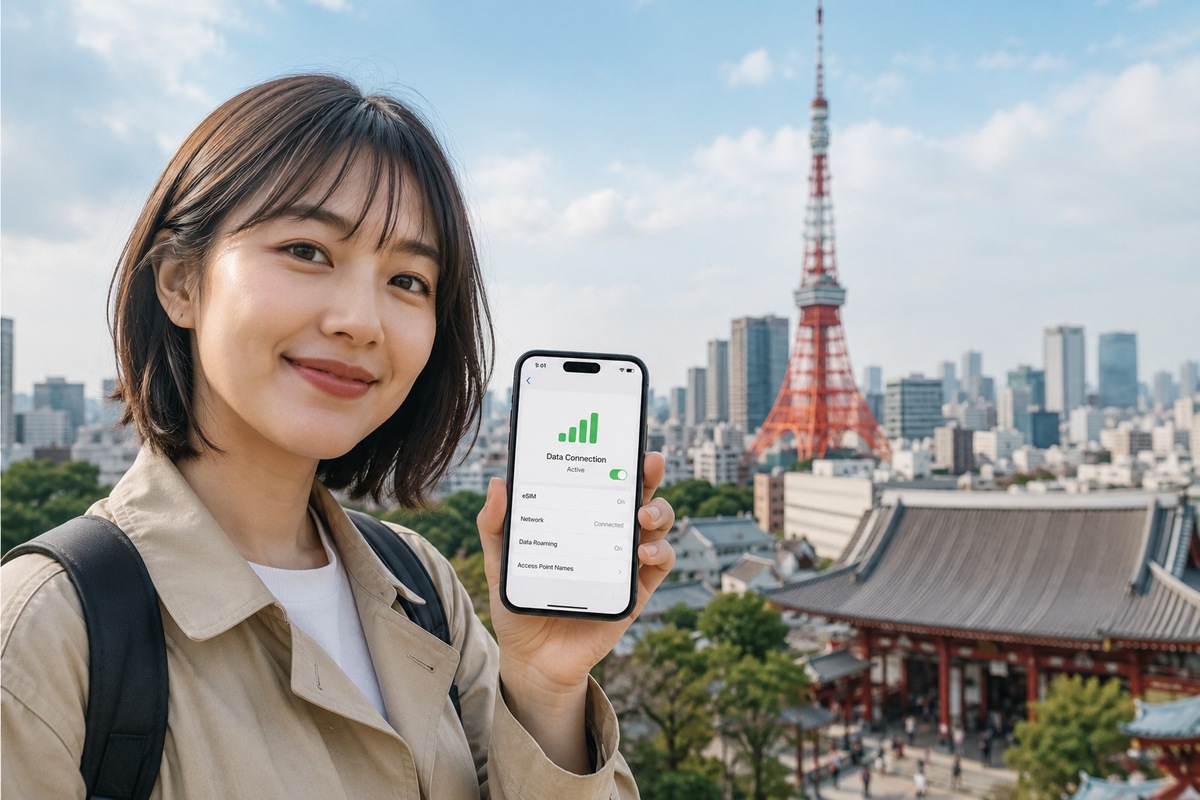
Most first-time visitors do not need dozens of apps. A strong setup is Google Maps for walking and everyday transit, Japan Travel by NAVITIME for more detailed rail planning, Google Translate for menus and signs, Safety tips for disaster alerts, and GO when you want to request a taxi. Keep your airline and hotel apps if you actively use them, and use Visit Japan Web in your browser for arrival procedures. Download essential apps and offline language data before departure, then make sure you have reliable mobile data because navigation, tickets and messages are much harder to use when your connection fails.
What You’ll Learn
- Which five apps cover most day-to-day travel needs in Japan
- When Google Maps is enough and when NAVITIME adds useful rail detail
- How to prepare translation, weather and disaster information before arrival
- When a taxi app is useful and why Visit Japan Web is not a normal app
- How to keep essential travel information available when signal or battery fails
Start With a Small App Stack, Not a Phone Full of Travel Apps
Japan has excellent transport and tourism infrastructure, but first-time visitors can still lose time switching between overlapping apps. The goal is not to install every Japan travel app you see online. It is to assign one reliable tool to each problem you are likely to face.
For most trips, that means one everyday map, one detailed rail planner, one translation tool, one safety-alert source, and one taxi app. Your airline, hotel, eSIM or pocket Wi-Fi provider, and any ticketing service you actually booked can stay on the phone as supporting tools.
Before departure, open every important app at least once, complete any required sign-in, grant only the permissions you intend to use, and save the addresses of your first hotel and airport transfer. A simple setup that you have already tested is more useful than ten unfamiliar apps installed at the gate.
- Everyday navigation: Google Maps
- Detailed rail planning: Japan Travel by NAVITIME
- Translation: Google Translate
- Disaster alerts: Safety tips, backed by official JMA information
- Taxi requests: GO
- Arrival procedures: Visit Japan Web in your browser
Google Maps: Best All-Round App for Walking and Everyday Transit
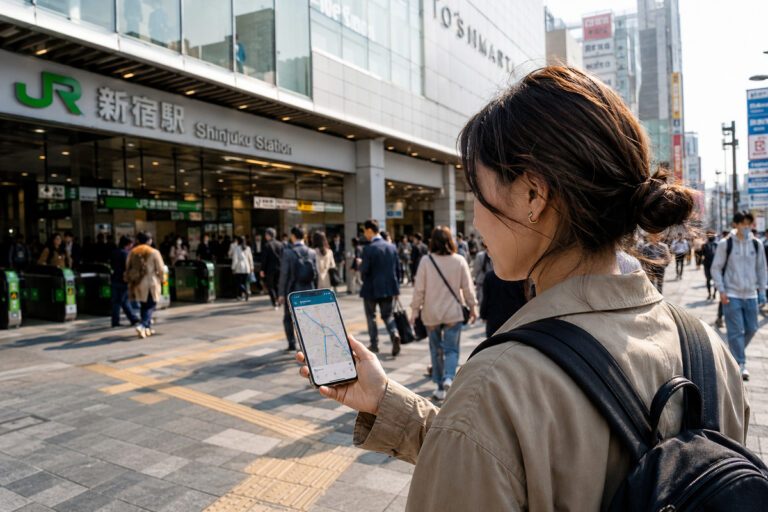
Google Maps is the best default navigation app for many visitors because it combines walking routes, public-transit directions, nearby search and place information in one interface. Google officially supports transit and walking directions, and its transit view can show either real-time departures or scheduled departures depending on the station and data supplied by the transport operator.
In Japan, pay attention to the exact station entrance or exit, not only the station name. Large stations such as Tokyo, Shinjuku, Shibuya and Osaka can have many exits spread across a wide area. A route that is correct at the station level can still add a long walk if you leave from the wrong side.
Treat map results as guidance rather than an authority over signs on the ground. Construction, temporary closures, platform changes and station routing can make the physical signs more current than the route displayed on your phone.
- Use walking mode after you leave the station so you do not miss the correct exit.
- Check the full route before entering a station when several rail companies serve the same area.
- Save your hotel, airport terminal and key reservations as named places.
- If a route looks strange, compare it with station signs or a second rail planner.
Japan Travel by NAVITIME: Best for Rail Detail and Pass-Aware Route Planning
Japan Travel by NAVITIME is especially useful when a trip depends heavily on trains. Its official route finder covers Shinkansen, limited express trains, local rail, buses, ferries, taxis and flights, and it can search with supported rail passes and tickets in mind.
NAVITIME also emphasizes station-transfer details, route timetables, costs and station exits. That makes it a useful second opinion when Google Maps gives several similar routes or when you are trying to understand a long-distance rail day with multiple transfers.
You do not need to run every local journey through two apps. Use Google Maps for quick everyday movement, then use NAVITIME when the route is expensive, time-sensitive, pass-dependent or complicated enough that a second check is worth the effort.
- Useful for Shinkansen and limited-express planning
- Useful when comparing routes that use different railway companies
- Useful when a rail pass or regional ticket changes which route makes sense
- Useful for checking transfer stations, timetable detail and station exits

Google Translate: Best for Menus, Signs and Short Conversations
Google Translate is useful in Japan because the app can handle typed text, speech and camera-based translation. Google also allows supported languages to be downloaded for offline use, which is valuable when you are underground, on a rural train, or dealing with a weak connection.
Download Japanese and your main language before departure while you are on reliable Wi-Fi. Camera translation is particularly helpful for menus, notices, labels and instructions, but it should not be treated as perfectly accurate. Short, simple phrases are easier to verify than long legal, medical or technical text.
When you need to speak with a person, show the original sentence as well as the translated sentence if the meaning matters. For allergies, medication, emergencies or contractual information, use professionally prepared wording or official multilingual guidance rather than relying on a single automatic translation.
- Download Japanese for offline use before flying.
- Use camera translation for signs and menus when the text is clear.
- Keep important allergy or medical phrases saved separately.
- Avoid trusting one automatic translation for high-stakes information.

Weather and Disaster Alerts: Use Safety tips and Official JMA Information
Weather in Japan can affect a travel day quickly, especially during heavy rain, typhoon periods, summer heat and winter conditions. For serious weather and disaster information, keep an official source in your setup rather than relying only on the generic weather tile in a phone app.
The Japan Tourism Agency supervises the Safety tips app for international visitors. It can push earthquake early warnings, tsunami warnings and other weather or disaster alerts in multiple languages, and it also provides response guidance and useful links. The Japan Meteorological Agency publishes multilingual weather, earthquake, tsunami and volcano information on its official website.
You do not need to stare at alerts throughout the trip. Enable notifications, then check the official information when an alert is relevant to your location or when you are planning a long outdoor day, mountain trip, ferry ride or other weather-sensitive activity.
- Enable Safety tips notifications after installation.
- Use the JMA multilingual site for official weather and disaster detail.
- Recheck transport operators during typhoons, heavy snow or major disruption.
- Save key emergency information so it remains available even if mobile data is unstable.
GO Taxi: Useful for Late Nights, Luggage and Bad Weather
Japan's GO taxi app can be useful when you are carrying luggage, traveling late, dealing with heavy rain, or staying somewhere that is awkward by train. GO states that its service is available across all 47 prefectures and that international credit cards and Apple Pay are supported.
A taxi app is a backup tool, not a replacement for rail planning. In central Tokyo, Osaka, Kyoto and other major destinations, trains and subways are usually the practical default for many journeys. Taxis become more valuable for short door-to-door trips, early departures, late arrivals, groups, or situations where stairs and transfers are the real problem.
Download the app before the trip so it is already on your phone, but be prepared to complete SMS verification or other registration steps as required. App procedures can change, so follow the current in-app instructions rather than an old screenshot guide.
- Useful when luggage makes station transfers difficult
- Useful after the last convenient train or in bad weather
- Useful when the destination is far from a station
- Check the pickup pin carefully in busy station and hotel areas
Visit Japan Web: Important for Arrival, but It Is a Web Service
Visit Japan Web is important enough to prepare before arrival, but it is not a normal app you need to install. Japan's Digital Agency describes it as a web service for arrival procedures including immigration and customs, with tax-free shopping functions also available through the service.
Use the official Digital Agency route to access the service, create your account before travel, and keep your login method and travel details available. Do not download unofficial look-alike apps just because they use a similar name or icon.
Because airport procedures can change, treat the official Visit Japan Web guidance as the final source for what you need to enter and when. Screenshots from older travel blogs may no longer match the current service.
- Use the official Visit Japan Web service, not an imitation app.
- Complete the parts relevant to your trip before departure when possible.
- Keep access to the email or authentication method tied to your account.
- Recheck official instructions shortly before flying.
Set Up Mobile Data Before Your Apps Become Critical
Travel apps are most useful during the first hour after you land, exactly when you are trying to find a train, message a hotel, open a ticket or translate a sign. Arrange your mobile-data plan before the trip when possible so your essential apps can work immediately.
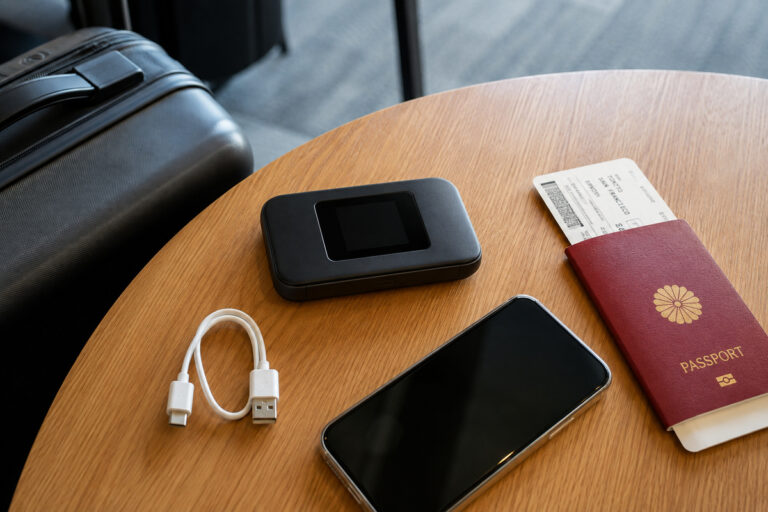
An eSIM is often the simplest option for one compatible unlocked phone. A physical SIM can work well if your device needs one. Pocket Wi-Fi is useful when several phones, tablets or laptops need to share one connection. The best choice depends on your devices and the number of people traveling together.
Airport and hotel Wi-Fi are useful backups, but they are not a substitute for dependable mobile data while walking between stations or changing plans on the move. Whatever connection method you choose, test it before you leave the airport.
- Confirm your phone is unlocked before buying a travel SIM or eSIM.
- Install eSIM profiles before departure when the provider recommends it.
- Consider pocket Wi-Fi when several devices need the same connection.
- Test maps, messaging and your hotel address before leaving the airport.
Download, Sign In and Save Offline Information Before Departure
The best time to configure travel apps is at home on stable Wi-Fi. Update the operating system, install the apps you genuinely need, complete sign-in, and download any offline language data or saved documents before travel day.
Keep your first hotel address, airport route, major reservation numbers and emergency contacts somewhere that does not depend on one app. A screenshot, offline note or PDF can rescue you when a login expires, an app updates, or mobile data is temporarily unavailable.
Also check battery use. Navigation, camera translation and constant cellular data can drain a phone faster than normal. Carry a charged mobile battery and a cable you know works.
- Open every essential app once before flying.
- Download offline Japanese translation data.
- Save hotel addresses and booking numbers outside the booking app.
- Carry a charged mobile battery and cable.
- Keep at least one payment method that does not depend on your phone.
Build a Backup Plan for Weak Signal, Dead Batteries and App Errors
No app stack is perfect. Underground areas, tunnels, rural routes, battery problems, account lockouts and service outages can all happen. The most resilient travel setup has a second way to recover critical information.
Know the name of your hotel in text, keep the address offline, carry a little cash, and save the key train or airport route before you start moving. If one route app looks wrong, compare another source or ask station staff instead of forcing the app to be correct.
The goal is not technological perfection. It is to make common travel decisions faster while keeping enough offline information to continue safely when technology fails.
- Screenshot the day's most important reservation and route details.
- Carry a battery pack and charging cable.
- Keep hotel information and emergency contacts offline.
- Use station signs and staff when an app conflicts with the real situation.
- Do not let one phone or one account become your only access to money, tickets and directions.
FAQ
What are the most important apps for a first trip to Japan?
For most travelers, start with Google Maps, Japan Travel by NAVITIME, Google Translate, Safety tips and GO. Keep your airline and hotel apps if you actively use them, and prepare Visit Japan Web in your browser before arrival.
Is Google Maps enough for trains in Japan?
It is enough for many everyday trips and supports public-transit directions and departure information. For long-distance rail, pass-dependent routes or complicated transfers, Japan Travel by NAVITIME is a useful second planner.
Can Google Translate work offline in Japan?
Yes, supported languages can be downloaded for offline use. Download Japanese and your main language before departure on Wi-Fi. Camera translation can also work offline for downloaded languages on supported devices.
Do I need an app for Visit Japan Web?
No. Visit Japan Web is an official web service from Japan's Digital Agency, not a normal app you need to install. Access it through the official service and avoid unofficial look-alike apps.
Which app should I use for earthquake or tsunami alerts in Japan?
Safety tips is designed for international visitors and can push earthquake early warnings, tsunami warnings and other disaster or weather alerts in multiple languages. The Japan Meteorological Agency's multilingual website is also an important official source.
Should I install a taxi app before arriving in Japan?
It is useful to download GO before departure, especially if you expect late-night rides, luggage-heavy transfers or bad weather. Registration and SMS verification requirements can change, so follow the current in-app instructions when you set it up.
Need mobile data in Japan?
Compare current eSIM data allowances, validity, device compatibility and setup requirements before choosing.
Check Saily eSIM plansRelated Japan Travel Guides



Official References
- Google Maps Help — Get directions and show routes
- Google Maps Help — Get train and bus departures
- Japan Travel by NAVITIME — Route Finder & Planner
- Google Translate Help — Download languages to use offline
- Japan Tourism Agency / JNTO — Safety tips
- Japan Meteorological Agency — Multilingual Information on Disaster Mitigation
- GO Inc. — GO Taxi App
- Digital Agency — Visit Japan Web
Final Thoughts
The best Japan travel app setup is deliberately small. Use Google Maps for everyday movement, NAVITIME when rail planning needs more detail, Google Translate for language support, Safety tips and JMA for serious alerts, and GO when a taxi is the practical choice. Prepare Visit Japan Web through the official service, arrange mobile data before arrival, and keep essential addresses and reservations offline. The point of these tools is to reduce friction—not to make your trip dependent on a phone.